
01 / DEVELOP
Find the shape of your story
Build a project brief, scenes, shots, characters, and storyboard notes in one place.
Start developing →A filmmaking workspace for people with stories to tell. Shape your idea, plan scenes, bring in clips from the tools you already use, then edit and export in one organised studio.
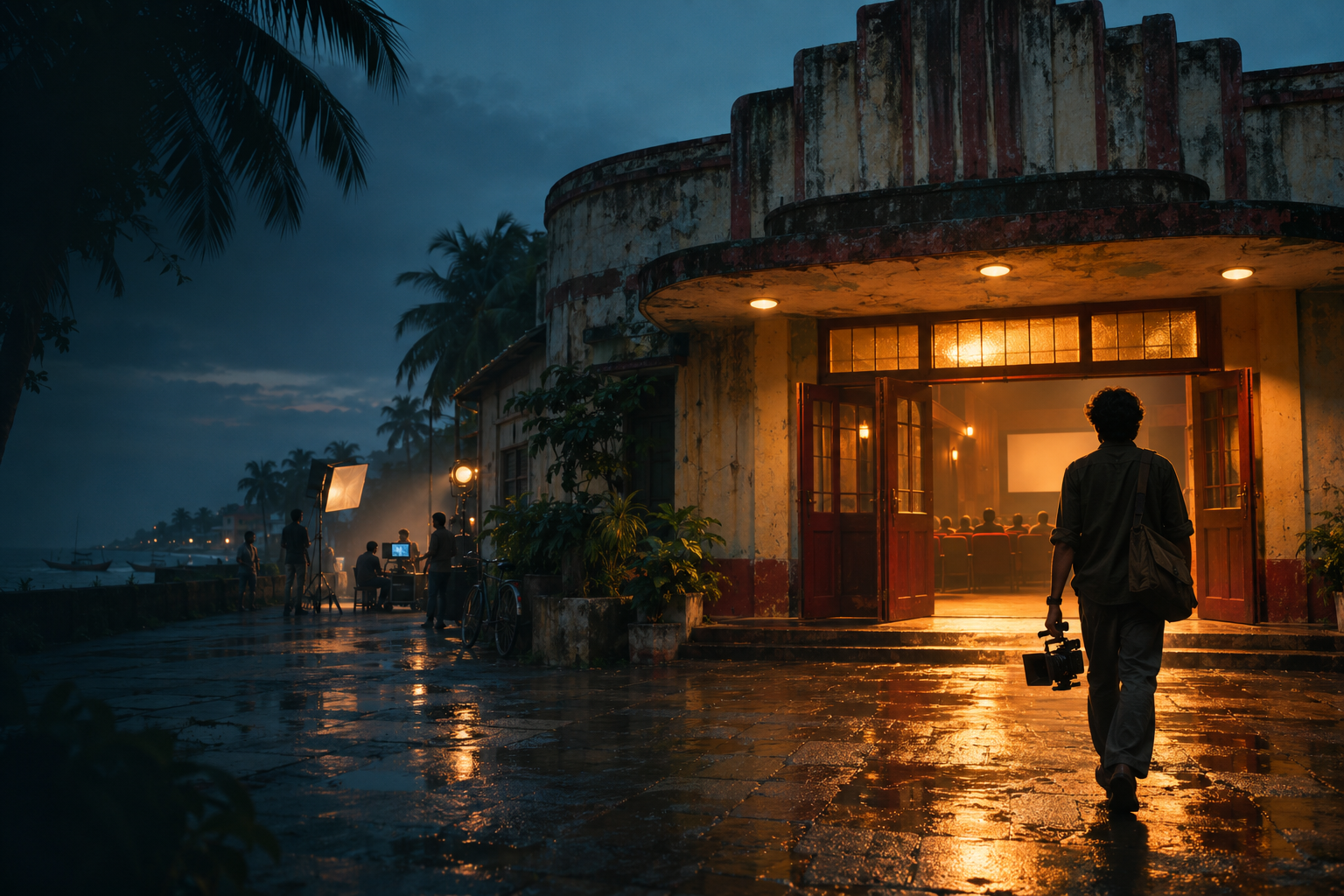
Start with a small idea or a full production plan. Work at your own pace, and bring the creative tools that suit the project.
Build a project brief, scenes, shots, characters, and storyboard notes in one place.
Start developing →Upload the video, images, and audio you already have. AI video generation is not required.
Import media →Arrange and trim clips, add titles, audio, and subtitles, then export your video.
Open the editor →From a quick vertical reel to a carefully planned short film, give each idea a place to grow.
Explore the production options ↗A friendly first step for new creators, with a structured workspace ready for more ambitious productions.
Turn your idea into a saved brief, then develop scenes, shots, and characters at your own pace.
GUIDED STARTDevelop a story →Organize your production in folders and build a project around its scenes, shots, characters, and storyboard notes.
PROJECT WORKSPACEOpen your workspace →Bring in clips from your camera or another app. Arrange and trim media, add titles and captions, and prepare an export.
CREATE OR IMPORTImport footage →Keep your characters, locations, and visual references organized with the story they belong to.
STORY LIBRARYManage story details →Develop your idea, organize projects into folders, import video, images and audio, edit your timeline, and export an MP4. You can do all of this without AI video generation.
Save a creative brief, build scenes and shots, keep character notes, and sketch your storyboard.
Make project folders and bring in video clips, images, and audio you already have.
Arrange and trim clips, add titles and captions, choose an export format, and prepare an MP4.
When AI video creation is available, we will show the price and expected timing before you confirm.
Requests the earliest available start. It may still take time, depending on availability.
Choose when you would like your video work to begin.
Allow more time when a lower price is available.
Group non-urgent video work together for delivery within a longer window.
Choose for me is the simple option. Choose settings myself is for people who want to pick an available AI video model.
This model is being reviewed and is not available yet.
The studio is being designed to work even when you create clips somewhere else. Upload your own footage, import AI-generated clips, or use future generation integrations when they fit your project.
Behind the scenes, You can also use clips you created in other apps. You stay free to choose the tools that work for you.
The story planner, folders, editor, and export work without an AI provider. Optional story suggestions and agent reviews become available when a language model is connected to this workspace.
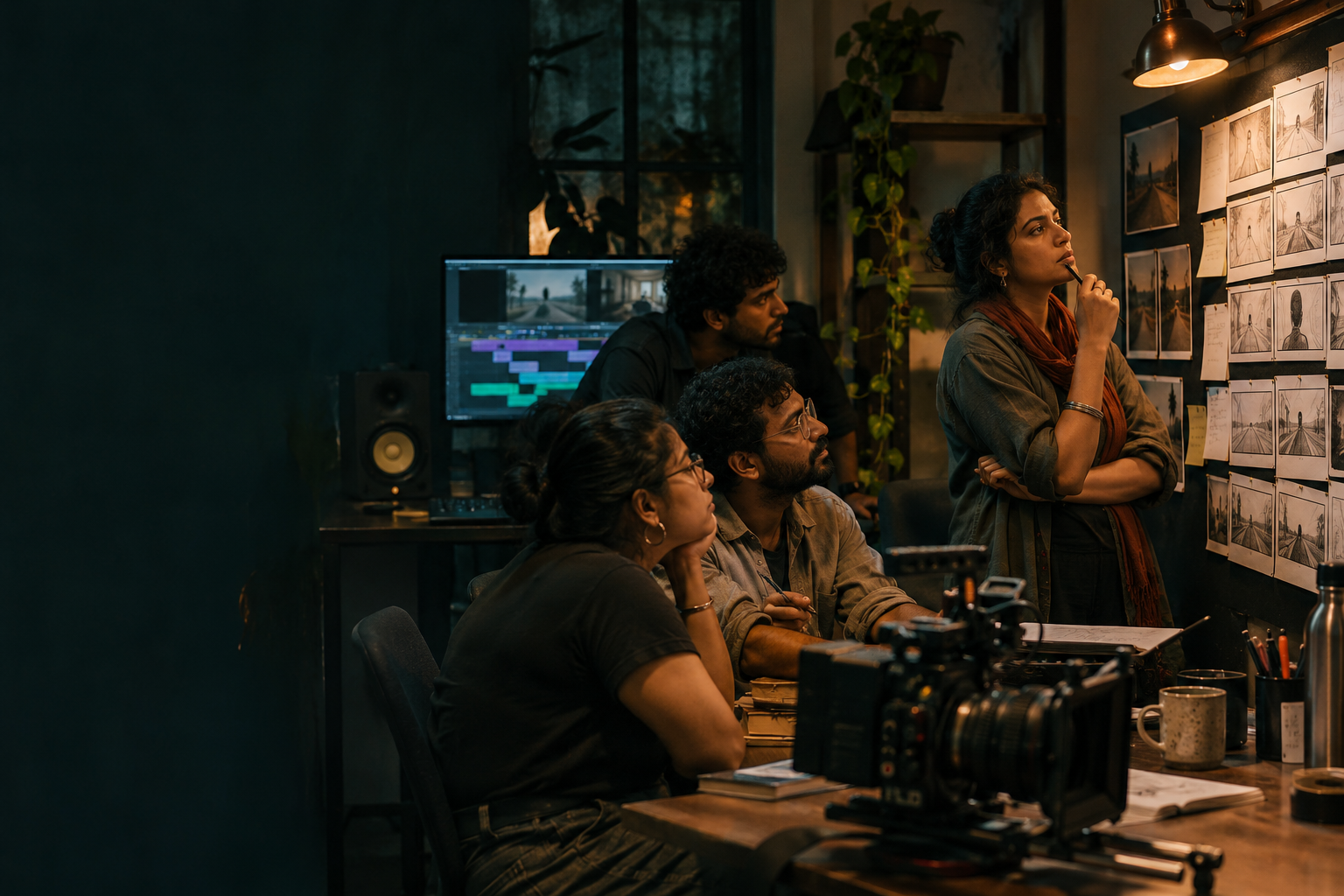
Turn your idea into a clear story and scene plan.
Keep people, places and visual details consistent across scenes.
Suggest settings and delivery timing based on your goals.
Spot missing scenes and suggest improvements before you export.
You can create an account and use the video editor. Paid subscriptions and checkout are not available yet, and nothing here will charge you.
Here is what you can do today and what is still on the way.
Not yet. AI video creation is coming soon. You can upload your own footage, edit it, and export an MP4 now.
Yes. Create an account, upload your video clips to a project, arrange and trim them in the editor, then export your video.
No. When AI video creation is available, you will be able to let the studio choose settings for you or choose them yourself.
No. Plans and payment are still being prepared. You will not be charged for creating an account.
They are planned ways to choose when AI video work begins. Fast asks for the earliest available start. Weekly batch groups work within a longer delivery window. These options are not available yet.
Start by editing your own footage and exporting a video.